Blog...
A blog post is loading...
Jan 1, 2025
Loading…
A blog post is loading...
Jan 1, 2025
Loading…
I made a polished PowerPoint deck with Codex. Here are the messy inputs, slide-by-slide loop, and quick-start prompt to reproduce the workflow.
May 22, 2026
I had a keynote coming up, and I wanted to see how far I could push Codex.
So I gave it my messy source material, set up a slide-by-slide loop, and let it run.
About six hours later, I came back to this:

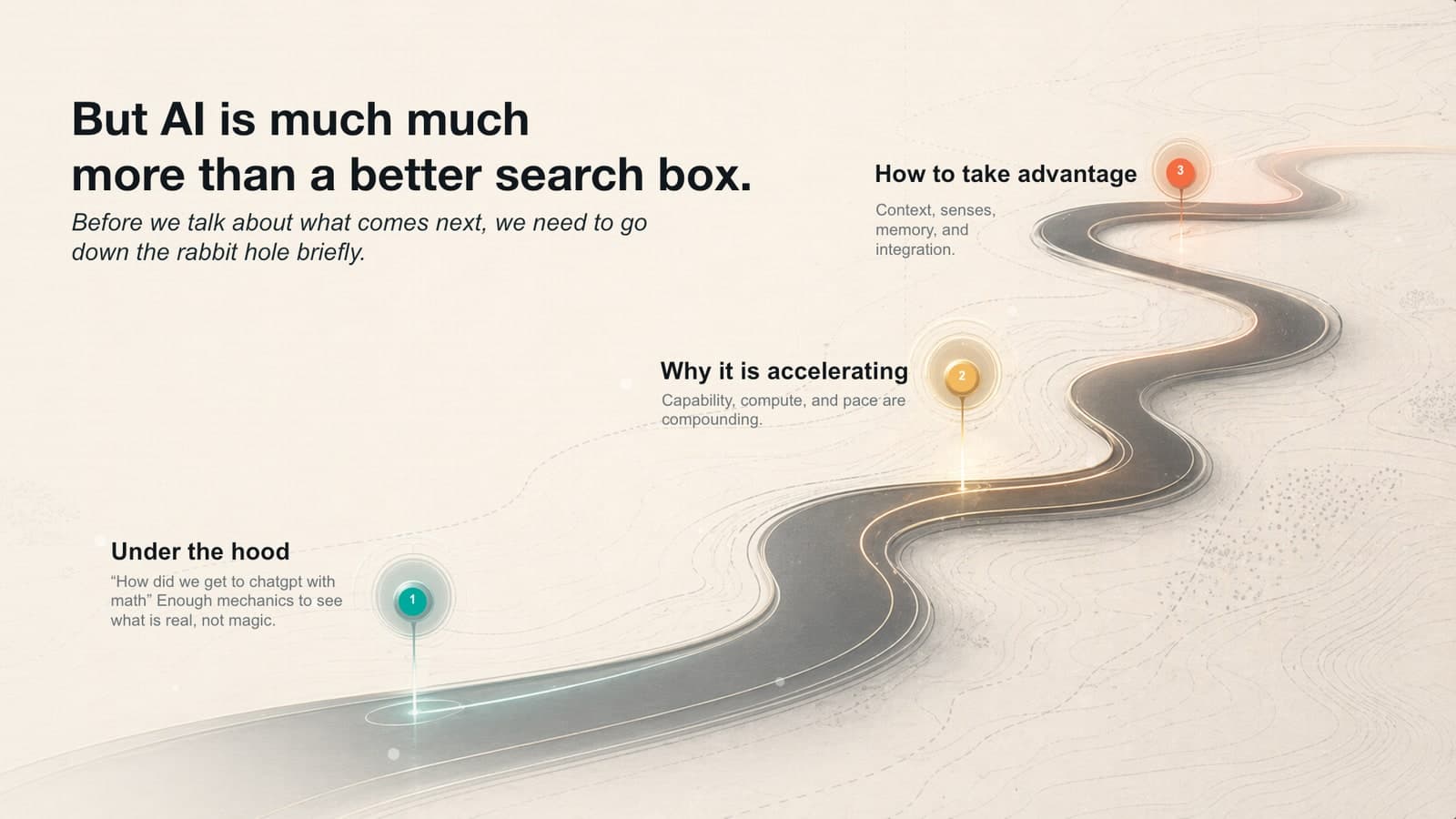
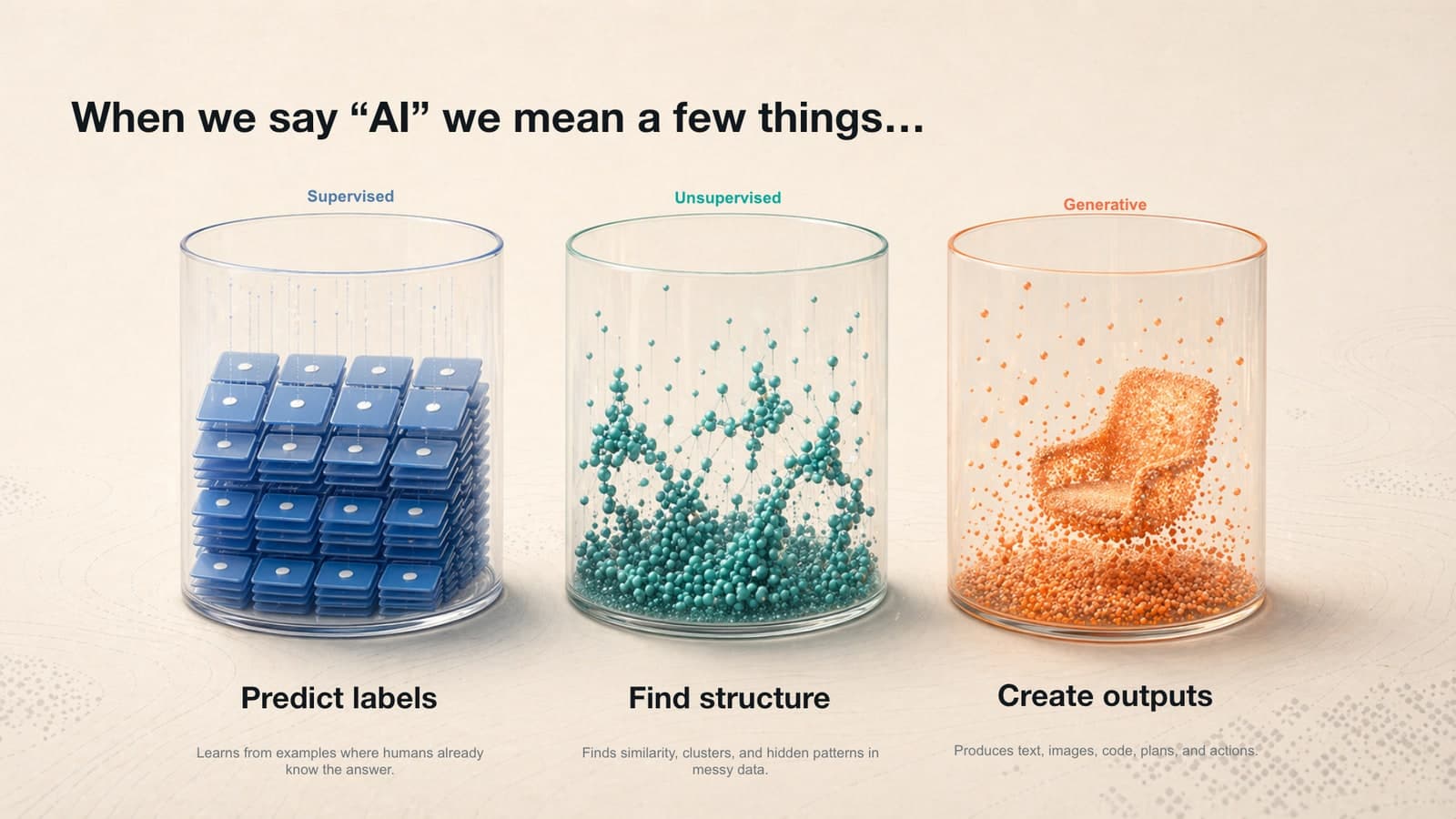
This is the part that made me sit up. It was not one lucky slide. It was a coherent section of a real keynote deck: abstract AI concepts, visual metaphors, diagrams, charts, and generated backgrounds that mostly felt like they belonged together.
It was also a native PowerPoint file. Not a PDF, not screenshots glued together, not a fake deck. The text was editable. The slides opened in PowerPoint. I could keep working with it like a normal office artifact.
That is what this post is about. I am going to show you the source material I gave Codex, a cleaned-up version of the loop I used, where it failed, and how to set up the same workflow yourself.
Trying some ralph loops on gpt-5.5 w/ POWERPOINT. Image Gen skill + presentation skill. Slide by slide, loop: generate images, select, regen/edit it properly for a slide, integrate into pptx, review and verify correctness. Move to next slide. 🤞 Show more

If you ask a chatbot to "make me a deck," you will probably get something generic.
If you give an agent a workspace, source material, tools, a review surface, and a loop that keeps going slide by slide, you can get something much closer to a real deliverable.
The tool setup was not complicated. I ran GPT-5.5 in the Codex Mac app with the preinstalled Image Gen and Presentations skills. For this run, Image Gen used GPT-image-2 for visuals. Presentations let Codex write and edit an actual .pptx.
The real setup was the folder I handed it.
I did not start with an empty prompt. I gave Codex messy, real materials:
The useful input was not polished. A simplified version looked like the stuff you normally leave scattered across docs, voice memos, and half-finished slides:
That is the trick: do not ask the model to invent what you have not given it. Bring the transcripts, voice notes, rough outlines, old slides, placeholder images, and rambling talk tracks. The model is far better at synthesis than invention.
Core part of the prompt here. The rest is: a) 2 call transcripts from @meetgranola b) 1 google slides dot-dash deck with random images c) @WisprFlow'd talk track of the idea of each slide d) this explicit loop x.com/i_am_brennan/s…

Core part of the prompt. IMO gpt-5.4 doesn't really need a "ralph loop" if you are super clear about validation criteria. 5.5 seems the same

This is a cleaned-up version of the prompt shape that made the difference.
I did not ask Codex to make the whole deck at once. I told it to run this loop one slide at a time:
Here is why each part matters.
The workpad is memory. I literally gave Codex a running notes file and told it to read it before each slide. That file became the whiteboard for the run. It tracked what visual language had been chosen, which slides had already been fixed, which images needed regeneration, and what criteria mattered.
The starter version can be almost embarrassingly simple:
The image rule keeps the deck editable. The model was allowed to generate beautiful backgrounds, diagrams, and atmosphere. It was not allowed to bake real slide copy into the image. All headlines, labels, and bullets had to live in PowerPoint as editable text.
That one rule is the difference between a working deck and a pretty poster.
The screenshot is the review surface. After each edit, Codex rendered the slide and looked at the screenshot. If the image was wrong, the layout was cramped, or the concept did not land, it had to repair the slide before moving on.
This is the part most people skip. They prompt, accept the first output, and call the model bad. The loop forces the model to look at its own work.
The loop is allowed to take time. This run took about six hours. That sounds slow until you remember I was not sitting there manually placing every object. The model was working through the deck while I could do other things.
The clearest example was the diffusion slide. The starting point was accurate, but it looked imported. It had the feel of an academic diagram pasted into a keynote.
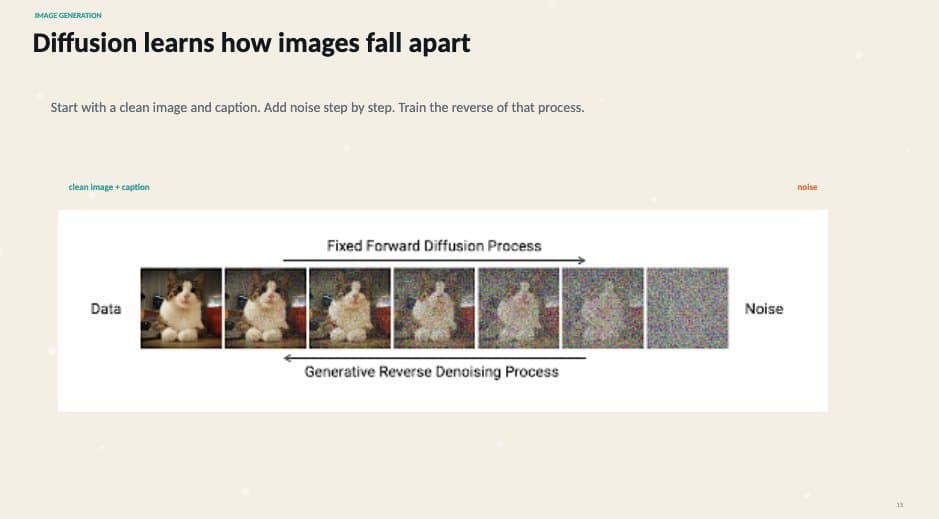
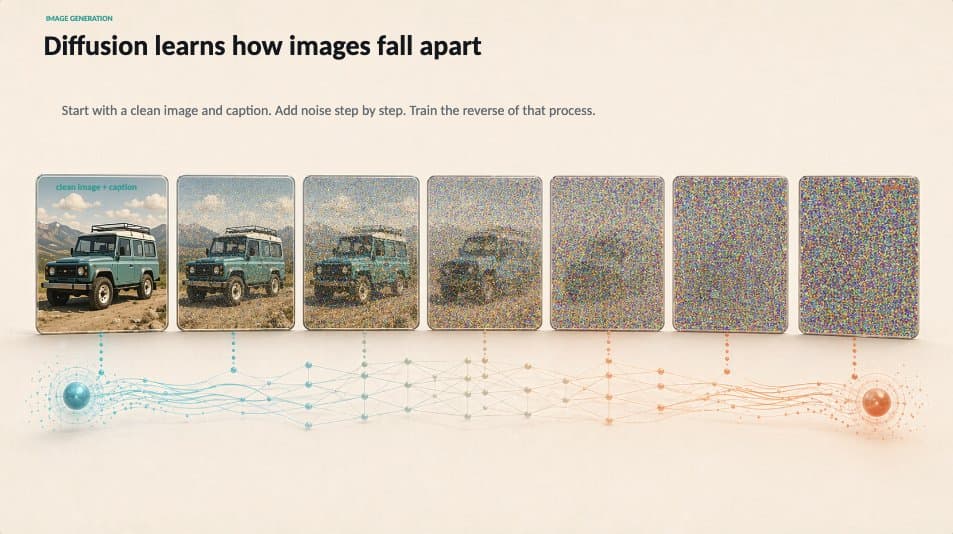
The loop looked at the slide, decided the visual language did not match, generated a replacement image, inserted it into the native PowerPoint slide, preserved the editable labels, rendered the result, and checked it again.
It also caught problems. At one point, the verification log shows the model stopping to rebuild and render the slide before accepting the new asset:
 This is what makes the loop useful: the model is not just generating, it is rebuilding and rendering before final verification.
That is the mechanic underneath the magic. The model is not just producing slides. It is producing, rendering, inspecting, and repairing an artifact.

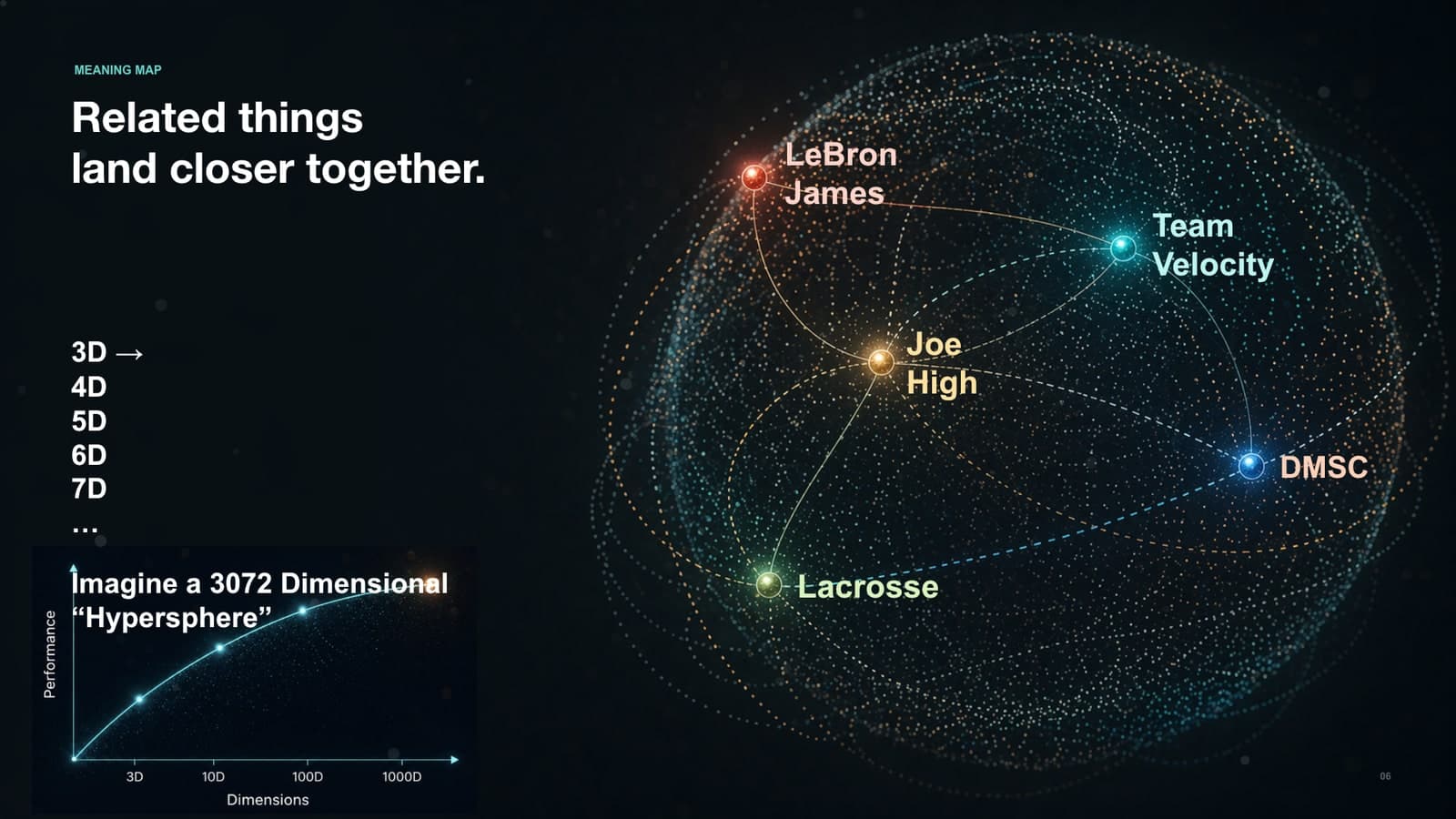

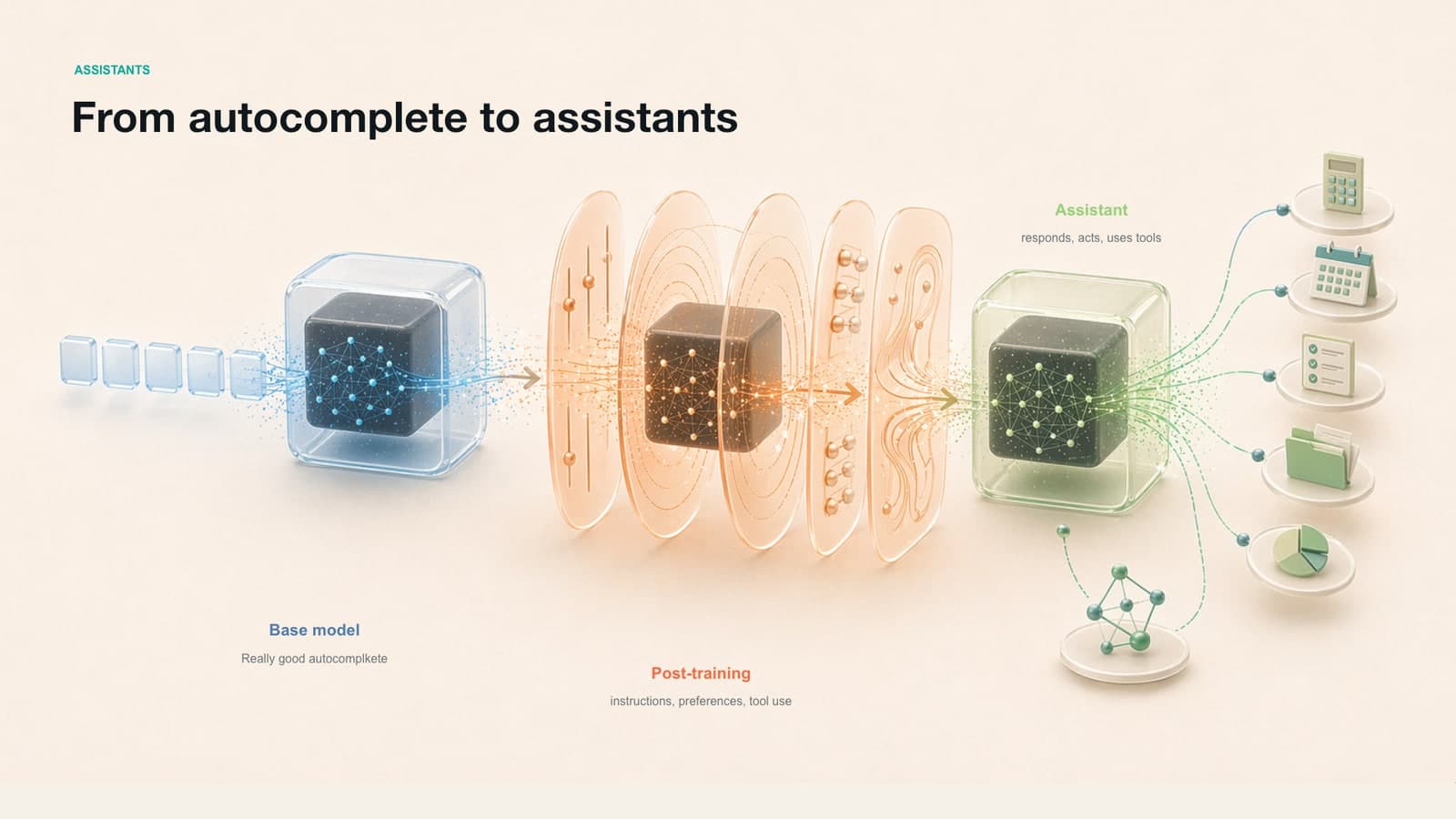
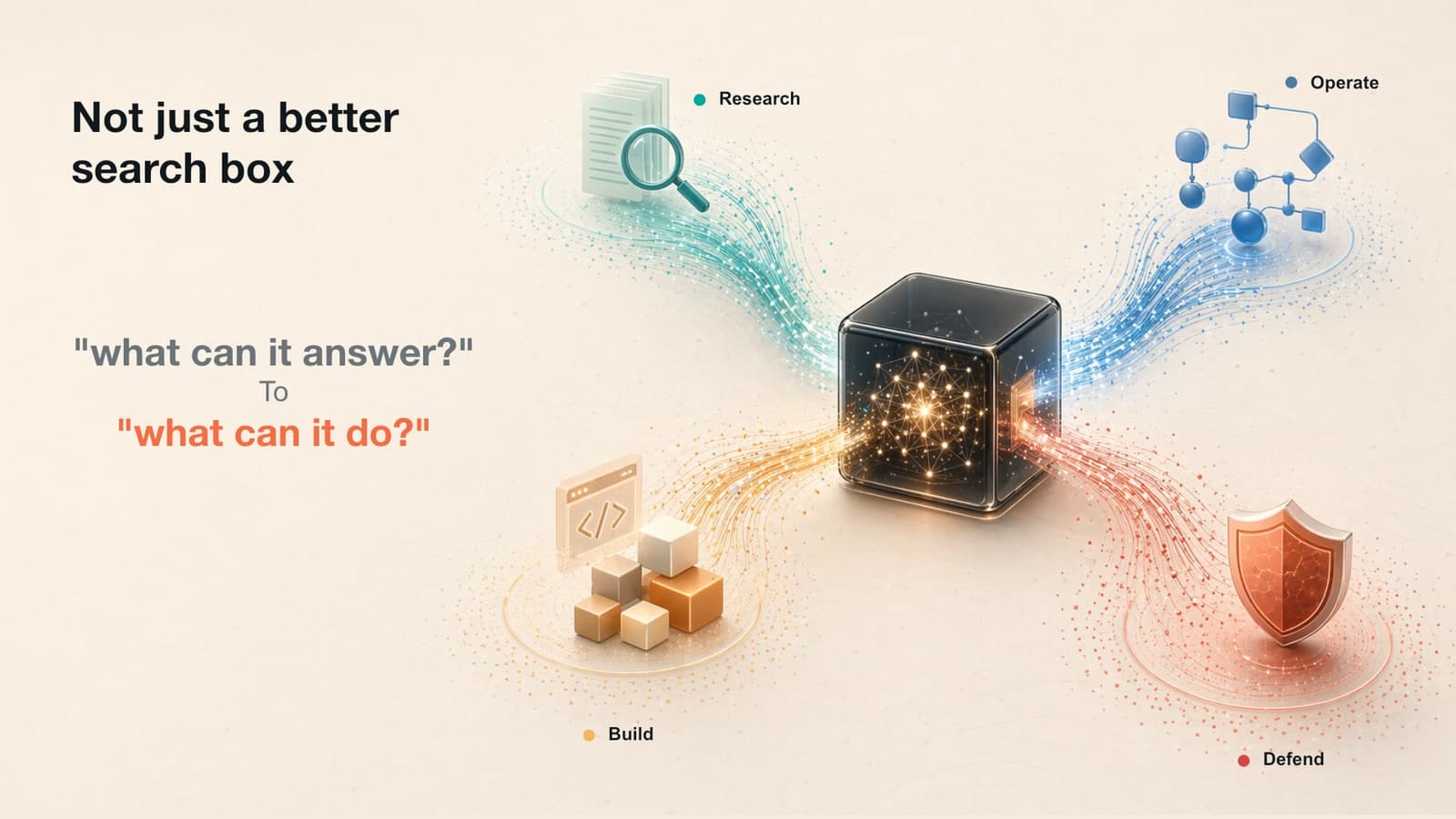

Here is the practical version.
Step 1: Gather your trash. Make a folder with everything you have: transcripts, notes, rough outline, old deck, placeholder images, voice memos, and a talk track. Do not clean it up too much. The mess is useful.
Step 2: Write a three-sentence visual brief. Tell the model what the deck should feel like. For example:
Step 3: Create the workpad. Add an empty workpad.md or notes.txt file. Tell the model to read it before every slide and update it after every slide. This is how you stop a long run from drifting.
Step 4: Start the Ralph loop. Paste the loop prompt and make the instruction explicit:
Step 5: Let it run longer than feels normal. This is not a one-shot prompt. It is closer to assigning a junior designer a folder, a brief, a checklist, and a review cycle. Check in, redirect when needed, but let the loop do real work.
The transferable skill is not "make PowerPoint with AI." It is learning how to turn knowledge work into a loop a model can inhabit: context, artifact, tools, review, repair, repeat.